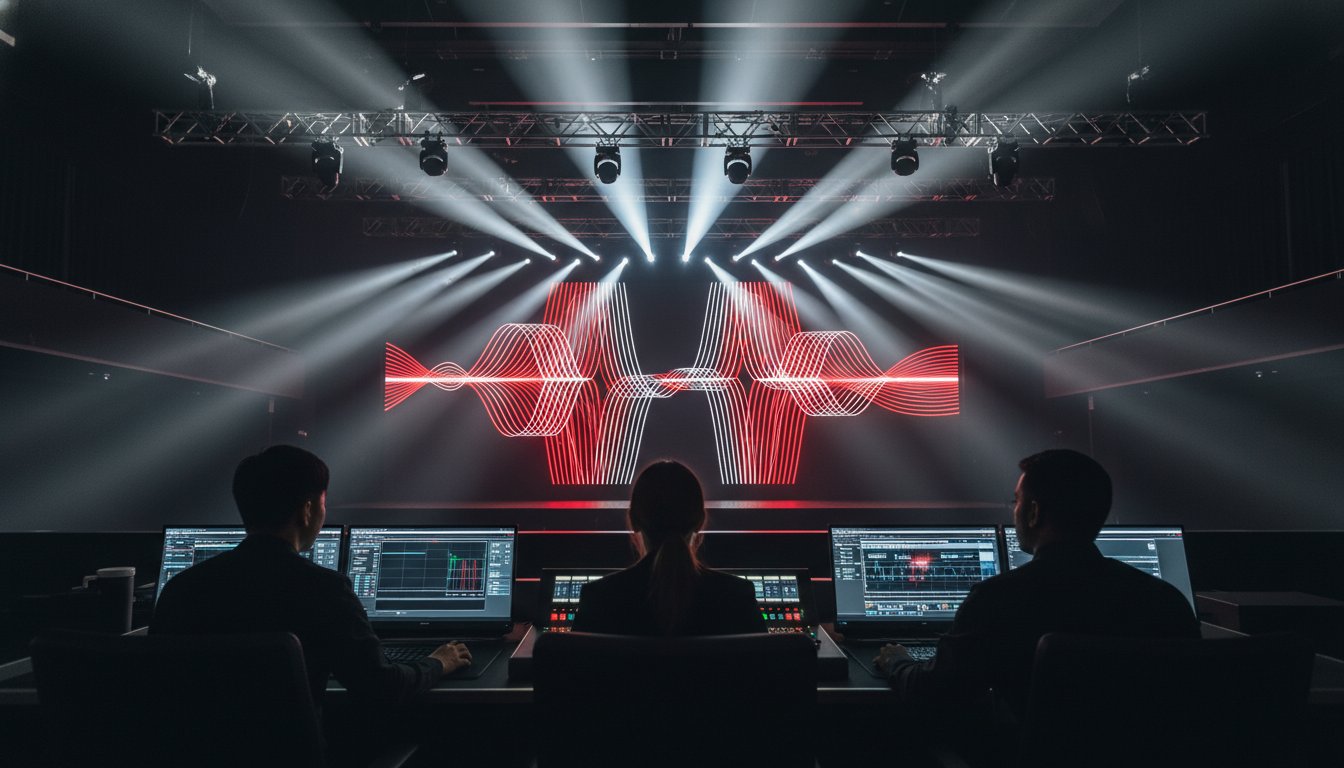
What if the success of your entire 2026 keynote rests on a single piece of hardware you didn't even know existed? You've likely felt that spike of cold adrenaline when a microphone cuts out or an LED wall flickers during a high-stakes moment. It's a common fear because technical failures don't just interrupt a presentation; they erode your professional authority. Using a rigorous event production checklist is the only way to ensure your signal flow remains unbroken and your audience stays engaged. We understand that coordinating multiple vendors while decoding terms like pixel pitch is enough to overwhelm even the most seasoned planner.
To ensure your hardware selection aligns with these professional standards, you can explore Professional Audio Systems options that offer the reliability and performance needed for high-stakes environments.
This technical guide provides the fail-proof roadmap you need to bridge the gap between your creative vision and the venue's hardware. Designed by professional AV engineers, these insights empower you to communicate with technicians with absolute confidence. We'll walk through the critical steps of managing audio systems, visual displays, and hybrid streaming requirements. You'll learn how to master the complexities of modern production to ensure a seamless experience for both your in-person and remote audiences.
Key Takeaways
- Conduct a comprehensive site survey to identify power limitations and rigging points before your event begins.
- Use a professional event production checklist to determine the correct LED wall pixel pitch and audio system requirements for your specific venue.
- Secure your hybrid experience by establishing dedicated hardwired internet lines to maintain stable upload speeds for remote attendees.
- Eliminate show-day stress by executing a full technical rehearsal and precise gain-staging for every speaker on your roster.
- Transform your live performance into a long-term asset by capturing high-definition recordings and analyzing audience engagement data for future growth.
Technical Pre-Production: Building the Foundation
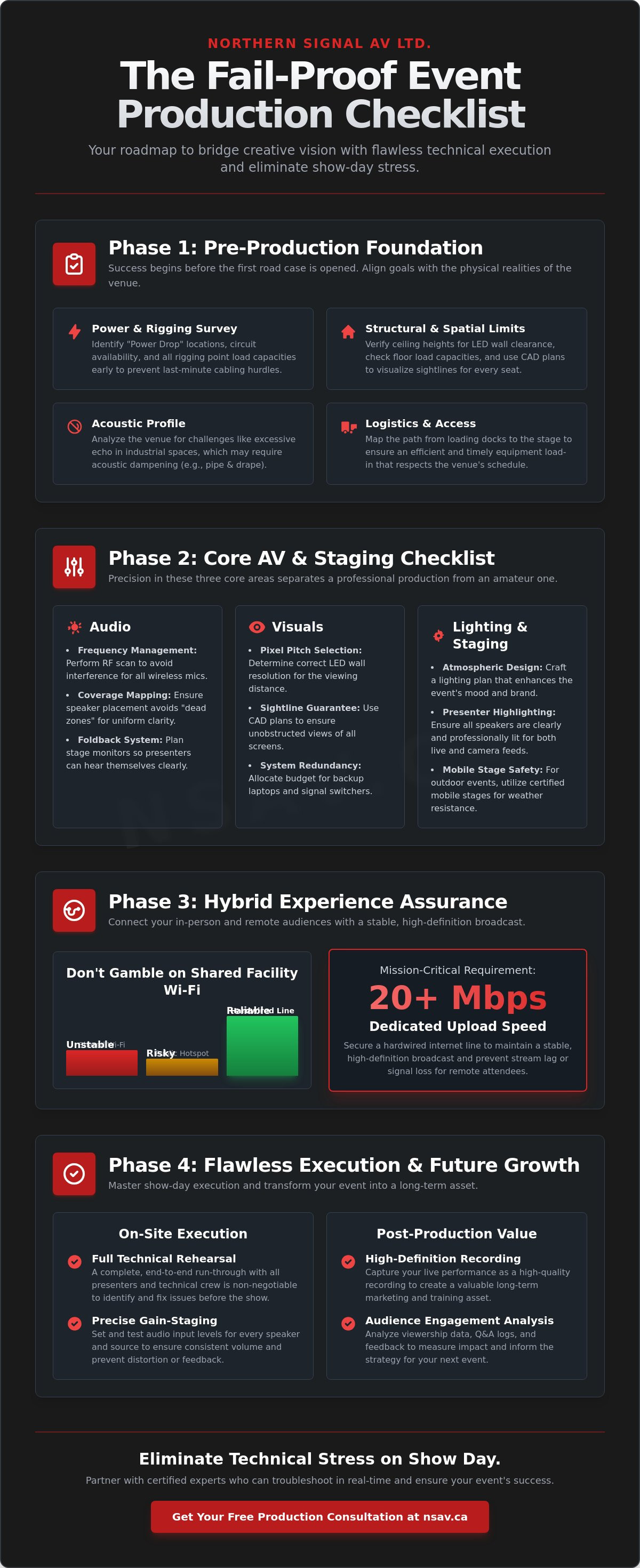
Success begins long before the first road case rolls off the truck. Your event production checklist must start with a clearly defined technical vision that aligns your creative goals with the physical realities of the venue. Whether you're hosting a high-stakes corporate summit or a large-scale concert, the dimensions of the room dictate your equipment requirements. We use this phase to draft preliminary CAD floor plans. These digital blueprints are vital for visualizing sightlines and ensuring that every attendee has an unobstructed view of the stage and visual displays. Without this spatial mapping, you risk placing speakers or screens behind pillars or too far from the audience's line of sight.
Effective Event Management relies on applying rigorous project management principles to these technical details. Connectivity is a primary pillar of this foundation. For hybrid events, we audit venue infrastructure to secure dedicated high-speed internet. Relying on shared facility Wi-Fi is a gamble that often leads to stream lag or total signal loss. We recommend a hardwired line with at least 20Mbps upload speed to maintain a stable, high-definition broadcast for your remote audience.
The Site Survey Checklist
A comprehensive site survey is a deep dive into the venue's skeleton. We verify ceiling heights to ensure there's enough clearance for large LED walls and check floor load capacities to support heavy staging or mobile stage rentals. Identifying the "Power Drop" location and circuit availability early prevents last-minute cabling hurdles that can clutter the floor. We also look for acoustic challenges, such as excessive echo in industrial spaces, which might require specialized audio systems to maintain speech clarity. Finally, we map the path from loading docks to the stage to ensure an efficient equipment load-in that respects your venue's timeline.
Budgeting for Technical Reliability
Technical reliability isn't just about the main rig; it's about what happens when a component fails. A professional budget prioritizes mission-critical AV components and includes redundancy for every primary system. This means allocating funds for backup laptops, spare microphones, and redundant signal switchers. In regions like Alberta and Saskatchewan, it's also vital to factor in logistics and shipping costs for specialized gear that might not be available locally. Don't overlook the value of Production Management. Investing in certified technicians ensures your equipment is operated by experts who can troubleshoot in real-time, providing a steady hand in high-pressure environments.
The Core AV & Staging Checklist: Audio, Lighting, and Visuals
High-quality production isn't about having the most equipment; it's about having the right equipment for your specific space. While generic planning guides focus on guest lists and catering, a technical event production checklist prioritizes the hardware that carries your message. If the audio is muffled or the visuals are pixelated, your audience's focus shifts from your content to the technical distractions. Precision in these three core areas, audio, lighting, and visuals, separates a professional production from an amateur one.
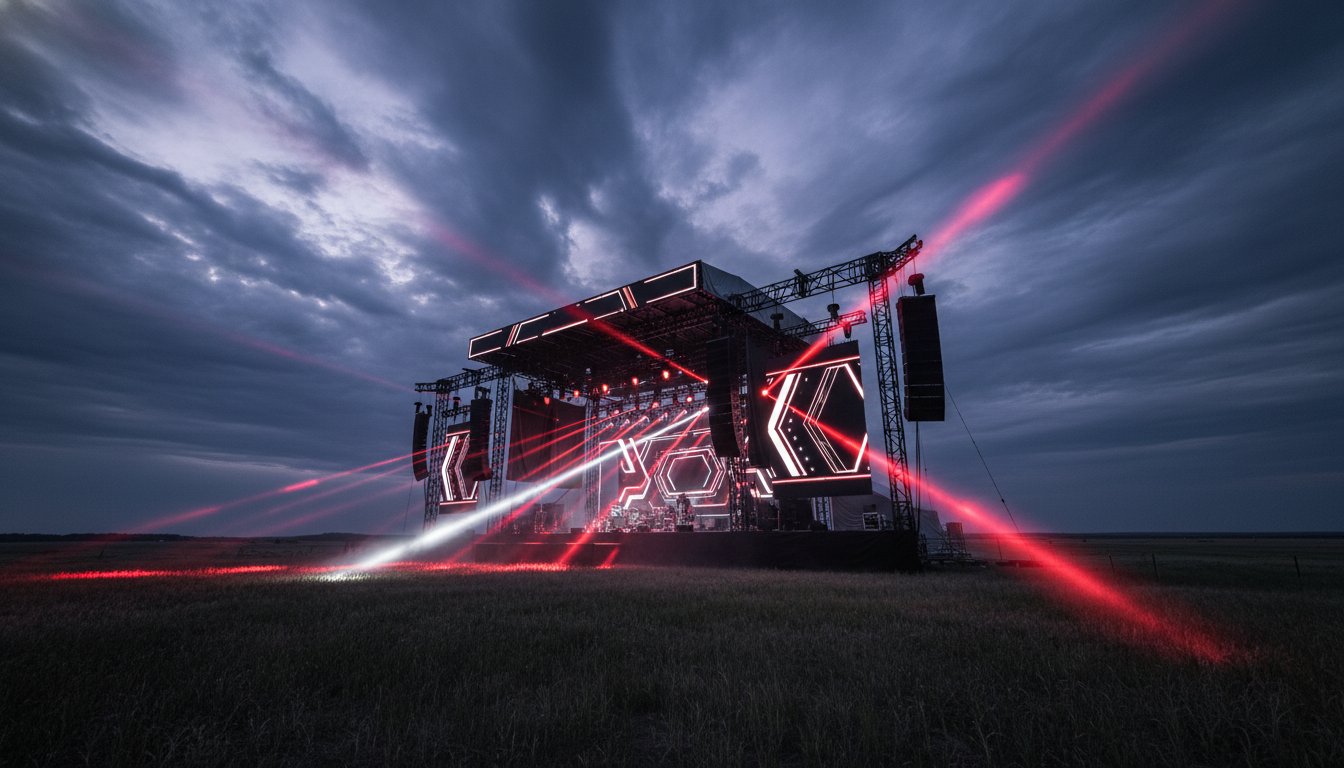
Selecting a professional audio systems rental requires more than just counting speakers. You must account for the venue's cubic volume and the absorption qualities of the materials in the room. For instance, a ballroom with heavy carpets requires a different configuration than an industrial warehouse with concrete floors. We use pipe and drape not only for clean aesthetics but also as a tool for acoustic dampening to control unwanted echoes. When planning outdoor Alberta festivals, your staging needs become even more critical. Utilizing mobile stage rentals provides a secure, weather-resistant platform that can be deployed quickly while meeting strict safety standards.
Audio System Requirements
- Frequency Management: Count your wireless microphone channels and perform a local RF scan to avoid interference from nearby cellular towers or other events.
- Coverage Mapping: Ensure speaker placement avoids "dead zones" in large conference halls. Every attendee should experience the same volume and clarity.
- Foldback Systems: Plan for stage monitors so presenters can hear their own voice and any audio cues. This builds speaker confidence and prevents them from over-projecting.
Visuals and LED Wall Specs
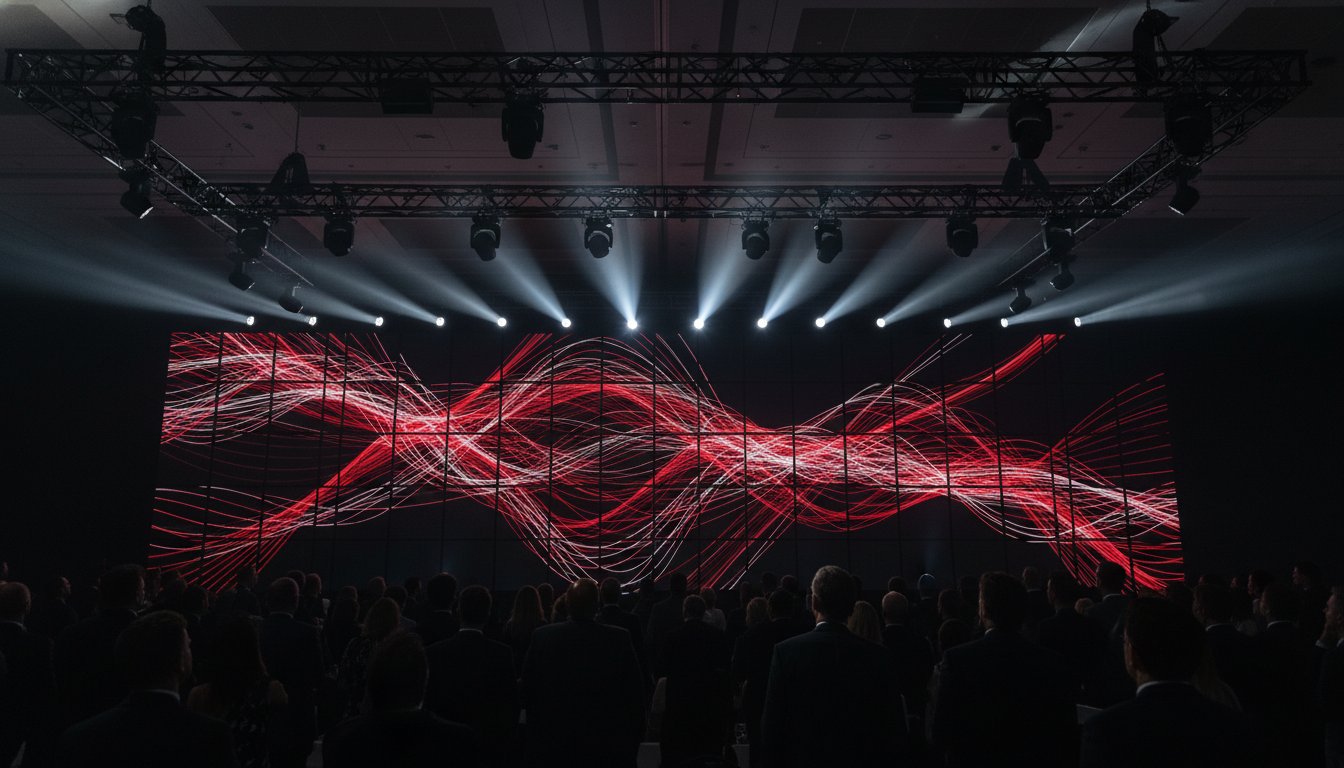
Visual impact depends heavily on resolution and viewing distance. When selecting an LED wall, we determine the pixel pitch based on how close the front row is seated. A P2.5 wall offers crisp detail for intimate corporate settings, while a P3.9 might suffice for large concert environments. Always confirm that your presentation content matches a 16:9 aspect ratio to avoid awkward black bars or stretched images. For high-ambient light environments like trade shows, check that your LED brightness levels can compete with overhead lighting. We recommend using high-resolution switchers to manage seamless transitions between multiple speakers and video sources. If you need assistance mapping out these technical specs, our team can help you design a custom solution tailored to your venue.
Lighting Design and Atmosphere
Your lighting plot must serve two masters: visibility and mood. Stage lighting ensures presenters are seen clearly on camera and by the live audience, while atmospheric lighting, like LED uplights, reinforces your brand's color palette. We balance these by using "wash" lighting for general visibility and "spot" lighting to draw focus to key areas. For 2026 events, layered lighting remains a top trend, using textures and colors to create a three-dimensional feel in a two-dimensional room.
Hybrid Production: Connecting In-Person and Remote Audiences
Hybrid events are no longer an optional add-on; they're a core strategic requirement for 2026. This shift means your event production checklist must evolve to include broadcast-grade standards. Unlike a purely in-person gathering, a hybrid environment requires you to manage two distinct audience experiences simultaneously. If the remote feed lags or the audio echoes, half of your attendees will disengage within minutes. Technical precision in your streaming infrastructure is the only way to maintain your brand's authority across both platforms.
A dedicated hardwired internet line is your most critical asset. We require at least 20Mbps of consistent upload speed to ensure a stable high-definition transmission. Using venue Wi-Fi is a recipe for failure; it's shared, unpredictable, and prone to drops. Beyond the pipe itself, your audio configuration needs a "Mix-Minus" setup. This technical routing ensures remote participants hear everything in the room without hearing a delayed, echoing version of their own voice. It's a small detail that makes a massive difference in professional perceived value. For those managing complex setups, our Production Management team specializes in these intricate signal flows.
Staffing for hybrid success requires a dedicated Digital Stage Manager. This individual focuses exclusively on the remote experience, moderating chat, managing live polls, and ensuring stream transitions are frame-perfect. They work alongside camera operators who provide dynamic, multi-angle coverage. Static shots are boring. You need wide shots for context and tight shots for emotional connection to keep the digital audience from clicking away. This level of technical support ensures that the remote experience feels like a front-row seat rather than a secondary observation.
Streaming Connectivity Checklist
- Stability Testing: Stress-test primary and backup internet lines at least 24 hours before going live to identify potential bandwidth throttling.
- Encoder Optimization: Verify encoder settings and bitrates to match your platform's requirements for stable 1080p transmission.
- IT Coordination: Check firewall settings with venue IT early to ensure stream traffic isn't blocked by corporate security protocols.
Hybrid Audience Engagement
Engagement must be a two-way street. Integrate live polling and Q&A tools that both audiences can access in real-time. Provide high-quality monitors on stage so presenters can see remote guests; this visual connection helps speakers address the "camera" more naturally. We also recommend testing lower-third graphics and overlays during rehearsals. These broadcast elements provide professional branding and help remote viewers identify speakers and key takeaways instantly. Balancing these digital assets with your physical visual displays creates a unified brand experience for everyone involved.
On-Site Execution: The Show-Day Technical Timeline
When the doors open, your planning transforms into performance. This is the stage where your event production checklist shifts from a planning document to an active operational guide. Success on show day depends on a disciplined timeline that accounts for every technical transition. We don't just hope things work; we verify them through a series of rigorous checks. Precision during these final hours eliminates the fear of technical failure and ensures your message is delivered without interruption.
Establishing a robust communication (Comm) system is your first priority. Your production team needs a dedicated channel to coordinate lighting cues, video transitions, and audio levels without disturbing the audience. Simultaneously, our technicians perform precise gain-staging for every microphone on the roster. This process ensures that whether a speaker is soft-spoken or energetic, their voice remains consistent and clear through the audio systems. We also verify that all wireless frequencies are clear of local interference, providing a steady hand in high-stakes environments.
The Technical Rehearsal
A "cue-to-cue" rehearsal is a non-negotiable step for professional delivery. We run through every slide, video clip, and lighting change to catch formatting errors before they hit the visual displays. If your event includes remote presenters, we practice the hand-off between live and virtual speakers multiple times to ensure the timing is frame-perfect. We also map out physical entrance and exit paths for every presenter. Knowing exactly where a speaker will stand ensures they are always in the "sweet spot" of the stage lighting and camera angles, maintaining a professional look for both in-person and remote audiences.
Show-Time Management
During the live event, the Run of Show (ROS) document is the single source of truth for the entire crew. It tracks every minute of the program, from the opening sting to the final applause. Our team monitors wireless signal strength and battery levels in real-time to prevent sudden dropouts. We also keep a "Plan B" slide ready in the switcher. If a presenter's laptop fails or a remote connection drops, a branded graphic keeps the experience professional while we resolve the issue. This level of preparedness is what defines technical support at the highest level.
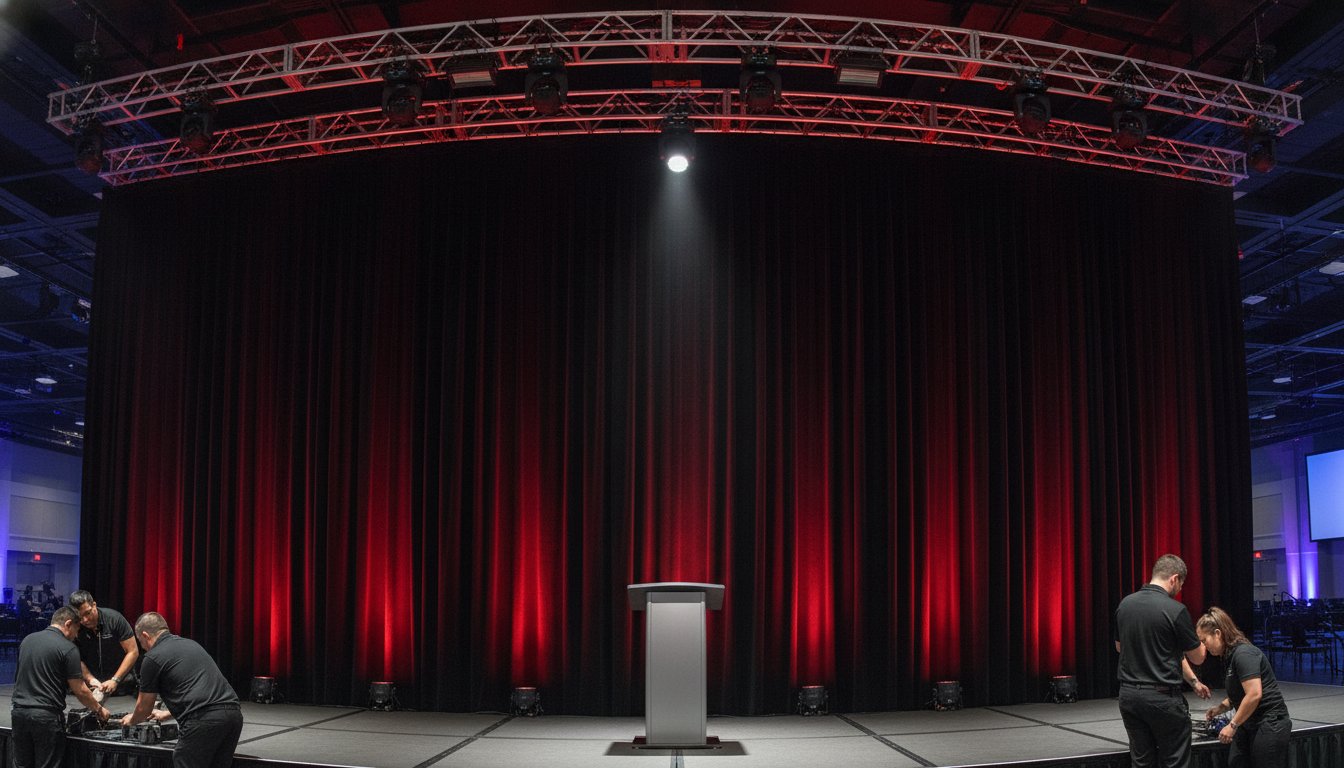
Before the first guest enters, we perform a final safety walk-through. We secure all cables with professional-grade tape and verify that every rigging point and pipe and drape line is locked and stable. This final check ensures a seamless experience and projects a sense of mastery over the technical details. If you want to ensure your next project is handled with this level of elite precision, contact our production team to discuss your technical requirements.
Post-Production: Data, Debriefs, and Scaling
The final curtain call marks the beginning of the most overlooked phase of the technical process. A comprehensive event production checklist must extend beyond the live performance to capture and analyze the value generated during the show. This is the moment to transform a temporary experience into a lasting digital asset. We focus on collecting all high-definition recordings immediately, ensuring that every angle of your visual displays is preserved for post-event marketing and future archives.
Analyzing your streaming data is equally vital. We look for specific engagement peaks and audience drop-off points to understand which segments resonated most with your remote attendees. This data-driven approach allows you to refine your content strategy for future projects. Once the venue is clear, we conduct a formal debrief with the event production management team. This session serves as a steady hand in high-stakes environments; we review the technical execution and identify any hurdles encountered during the live broadcast to ensure they don't repeat.
Finally, we ensure every piece of equipment is accounted for and safely packed. We also archive the "Show File." This digital snapshot includes your specific lighting cues, audio gain-staging, and video routing configurations. Archiving these files makes next year’s setup significantly more efficient and maintains a consistent brand standard across your event series. If you need assistance managing these complex post-show logistics, our Production Management experts can lead the way.
Content Repurposing Checklist
- Highlight Reels: Identify high-impact moments from your keynote presentations to create short, high-energy clips for promotional use.
- Transcription: Convert stage audio into text to fuel blog posts, white papers, or social media thought leadership.
- Platform Optimization: Edit and resize video clips specifically for LinkedIn, YouTube, and Instagram to maximize your digital reach.
Technical Performance Review
A professional review moves beyond basic summaries to provide a clear roadmap for future growth. We document any technical glitches and the specific resolutions applied by the technical support crew. Gathering direct feedback from presenters is also essential. We ask if the stage monitors provided enough clarity and if the visual sightlines met their expectations. Finally, we evaluate the ROI of high-end features like LED walls or interactive polling. By measuring attendee interaction against the technical investment, you can make informed decisions about where to allocate your budget for your next large-scale production. This organized approach ensures that each project builds on the success of the last.
Elevate Your Technical Standards for 2026
Technical production is the invisible engine of every successful gathering. By implementing a rigorous event production checklist, you move from managing uncertainty to leading with absolute precision. We've explored how to build a foundation through site surveys, select the right hardware for maximum visual impact, and capture long-term value through post-production data. These steps ensure your creative vision remains unbroken from the first rehearsal to the final digital archive.
Northern Signal AV Ltd. brings decades of expertise to high-stakes environments across Alberta. We specialize in high-resolution LED walls and concert-grade audio systems, providing full-service production management from Saskatchewan to Ontario. Our team acts as your steady hand, ensuring every signal flow is perfect and every transition is frame-perfect. We understand the complexities of modern AV and are here to resolve them for you.
Your next presentation is an opportunity to transform the audience experience through seamless technical execution. You have the roadmap; now it's time to build something extraordinary.
Frequently Asked Questions
What is the most common technical failure at corporate events?
Audio feedback and wireless microphone interference are the most frequent technical failures during live presentations. These issues usually arise from improper gain-staging or a lack of local frequency coordination. Including a comprehensive RF scan in your event production checklist ensures that your microphones don't compete with nearby cellular towers or other venue signals.
How far in advance should I book my AV production team in Edmonton or Calgary?
You should ideally book your AV production team 3 to 6 months in advance for events in Edmonton or Calgary. Peak corporate seasons in Alberta fill up quickly; especially for dates in May and October. Booking early ensures you secure specialized inventory like high-resolution LED walls and mobile stage rentals before they're reserved for other regional projects.
What is the difference between a fader and a gain knob on an audio mixer?
Gain controls the input sensitivity of a signal, while a fader manages the output volume in the final mix. Think of gain as setting the "bucket size" for the sound and the fader as the "faucet" that lets it into the room. Proper gain-staging prevents distortion and is a critical step for maintaining clear audio systems throughout your event.
Do I really need a dedicated internet line for a hybrid event?
A dedicated hardwired internet line is absolutely necessary for any professional hybrid event. Shared venue Wi-Fi is unpredictable and lacks the consistent upload speed required for a high-definition broadcast. We require a dedicated line to eliminate the risk of stream lag or connection drops, ensuring a seamless experience for your remote audience.
How much power does a standard LED wall require?
A standard LED wall typically requires multiple dedicated 20-amp circuits; however, larger displays may need 3-phase power. The specific draw depends on the total number of panels and the brightness settings required for the space. We identify these power requirements during the site survey to ensure the venue's electrical infrastructure can safely handle the load.
Can I use my own laptop for presentations, or should I use the production team’s?
We recommend using the production team's laptops for all main stage presentations to ensure maximum reliability. Our machines are optimized for high-resolution playback and are stripped of background notifications or power-saving modes that can interrupt a show. If you must use your own device, it's vital to test it during the technical rehearsal for hardware compatibility.
What is a "Technical Director" and do I need one for my event?
A Technical Director (TD) is the lead professional who oversees all AV elements, from signal flow to crew coordination. You need a TD for complex events involving multiple presenters, hybrid streams, or intricate lighting cues. They act as the steady hand in high-stakes environments, ensuring every technical component aligns perfectly with your Run of Show.
How do I handle last-minute presentation changes on the day of the event?
Last-minute changes are best handled by utilizing a centralized "Show File" and a clear communication system. Our technicians use the event production checklist to establish a workflow for quick updates during the technical rehearsal. As long as the production team is notified through the Comm system, we can update slides or adjust cues without the audience ever noticing the shift.